
Document Management
The JusticeWorks Solution offers document storage, providing a secure and organized solution for storing all your critical files. Whether it’s case documents, client records, court filings, or evidence, the system ensures that every file is safely stored and easily accessible when needed. With built-in security features and seamless organization tools, you can confidently manage documents without worrying about space limitations. The JusticeWorks Solution keeps your data protected while allowing your team to retrieve and share files effortlessly, ensuring smooth workflows and complete control over your document management.
Advanced Document Processing
Discovery transformed from burden to advantage.
Transform discovery and document review with intelligent automation and OCR-powered search. Instantly locate key names, dates, and narratives inside massive files. Turn document overload into strategic advantage.
Advanced Document Processing
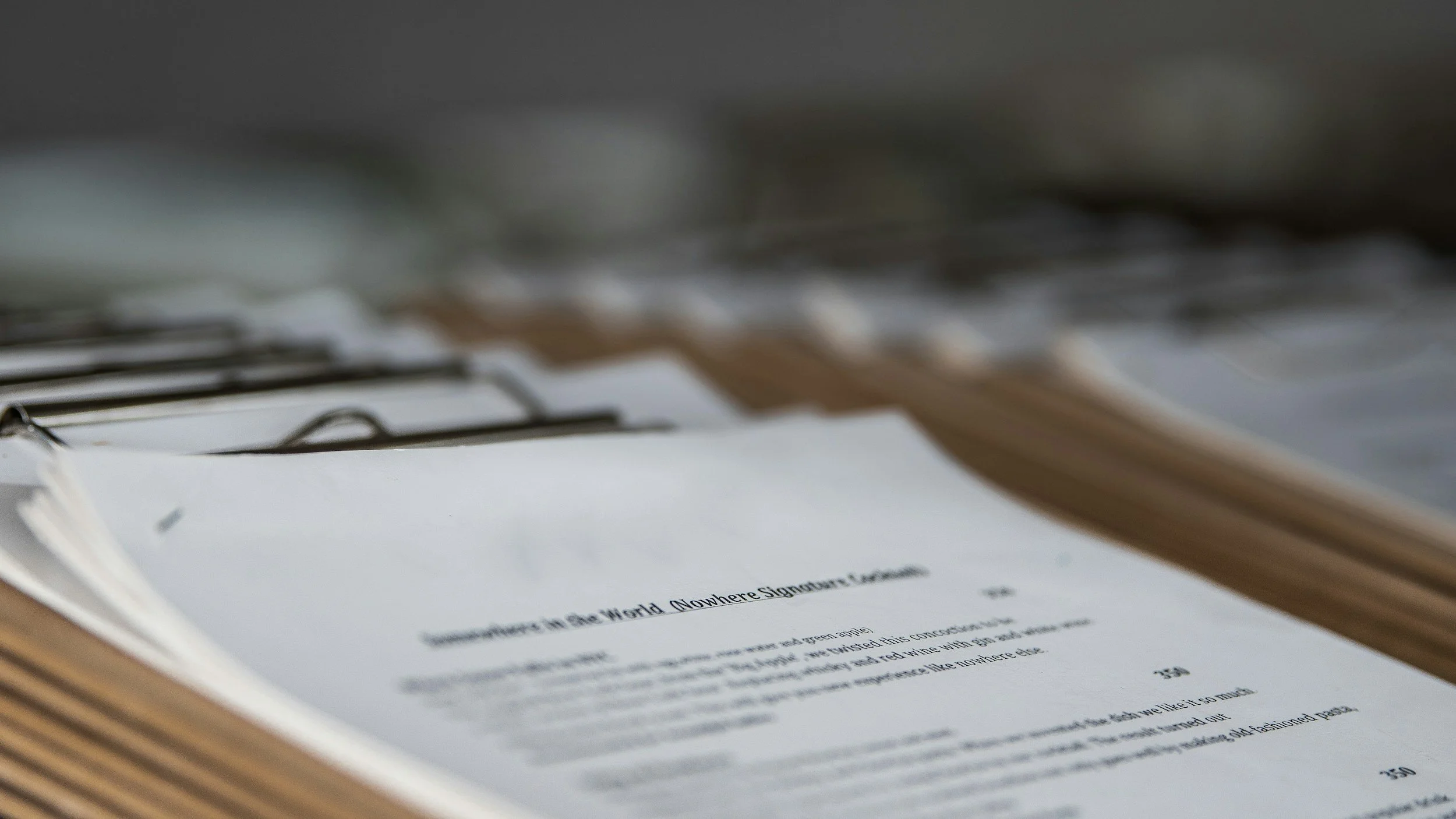
Advanced Document Processing transforms how your agency handles discovery, court filings, and internal documentation by automating the heavy lifting traditionally done by staff. Instead of manually sorting, renaming, tagging, or searching through large PDF bundles, the system intelligently reads, organizes, and classifies documents the moment they are uploaded. Optical Character Recognition (OCR) turns scanned files into fully searchable text, while smart tagging identifies keywords, dates, names, and case-relevant information. Attorneys and investigators can instantly jump to critical pages—such as police narratives, expert reports, or witness statements—without spending hours flipping through PDFs.
Document Integrations
Information flows.
Your team moves faster.
Seamlessly connect with court systems, discovery portals, and document tools to eliminate manual uploads and errors. Files arrive organized, tagged, and ready to use. Your information flows automatically—so your team moves faster.
Document Integrations
Document Integrations connect your case management system directly with the tools, platforms, and agencies your staff interact with every day—eliminating manual transfers, reducing errors, and speeding up workflows. Whether pulling discovery from prosecution portals, syncing files with cloud storage providers, importing data from court systems, or connecting to document-generation tools, integrations ensure documents flow seamlessly into the case file with the right labels, metadata, and security controls. Staff no longer waste time downloading, renaming, or re-uploading files; everything arrives organized, traceable, and instantly accessible.

Large Media Processing
Massive evidence. Effortless control.
Strategic insight.
Handle bodycam footage, surveillance video, and audio evidence with secure, high-performance streaming and indexing. Clip, annotate, and jump directly to key moments. Massive media becomes manageable and strategic.
Large Media Processing
Large Media Processing enables your agency to efficiently handle high-volume audio, video, and multimedia evidence without slowing down staff or overwhelming storage systems. Instead of relying on external drives, manual transfers, or clunky file viewers, the system ingests body-worn camera footage, surveillance video, 911 calls, interviews, and digital evidence directly into the case file. Files are automatically transcoded, indexed, and optimized for playback, ensuring even multi-gigabyte videos load quickly and run smoothly. Staff can watch, clip, annotate, and share media securely—without ever leaving the platform or risking data loss.
Advanced tools make reviewing evidence faster and more strategic. Time-stamped notes sync to exact moments in the video, allowing attorneys and investigators to jump instantly to key events. Audio files can be transcribed for quick scanning, and long recordings can be segmented into thematic sections like “initial contact,” “search,” or “custodial interview.” Supervisors gain visibility into review progress, while automated permissions keep sensitive media accessible only to authorized staff. With scalable storage, secure streaming, and integrated workflows, Large Media Processing turns digital evidence from a burden into an operational advantage—allowing your team to review more thoroughly, collaborate more easily, and prepare cases with greater speed and precision.

Storage
Securely store today.
Instantly find tomorrow
Securely store and instantly retrieve every file, from motions to multimedia evidence. Fully searchable, version-controlled, and encrypted for maximum protection. Everything you need—organized and accessible.
Storage
Digital Document Storage centralizes every file your agency relies on—motions, discovery, reports, court orders, photos, forms, and large media—into one secure, organized, and easily searchable repository. Instead of scattered drives, email attachments, or paper folders, staff upload documents directly into the case file, where they are automatically indexed, tagged, and version-controlled. OCR makes every document fully searchable, allowing attorneys and investigators to instantly locate key phrases, dates, or names across thousands of pages. With structured folders, metadata, and quick previews, your team spends less time hunting for information and more time preparing strong cases.


Justice Works provides secure and intuitive document and folder management tools designed to keep all case files organized and easily accessible. Users can upload, categorize, and share documents within a structured folder hierarchy, maintaining clear and consistent file organization across the entire office.
Integrated version control and permissions settings ensure sensitive documents remain secure while enabling seamless collaboration. This streamlined document management improves workflow efficiency, reduces the risk of lost files, and supports quick retrieval of critical case information when it’s needed most.


The Justice Works Solution streamlines case documentation through powerful Automatic Document Generation, enabling organizations to create consistent, professional, and case-specific documents with just a few clicks. By pulling real-time data from within the system—such as client details, case numbers, charges, court dates, or staff assignments—users can instantly generate motions, correspondence, intake forms, subpoenas, and more.
This feature can be configured to match your agency's exact templates and formatting standards, supporting import of Microsoft Word documents and conditional logic for dynamic text population. For example, a legal aid organization can automate the generation of income verification letters or standard court filings, while a large justice agency might auto-create case opening packets based on intake criteria.
Automatic Document Generation not only eliminates repetitive data entry but also ensures accuracy, reduces administrative burden, and accelerates turnaround time—helping your team focus on legal outcomes, not paperwork.

The Justice Works Solution includes powerful Default Folder Generation functionality that automatically creates a standardized folder structure for every new case or matter. This feature ensures consistent organization and categorization of documents, evidence, correspondence, and other critical case materials from the outset.
By automatically generating default folders aligned with best practices and customizable to your organization’s specific needs, this capability saves valuable time and reduces administrative errors. Users can quickly locate files within a familiar, uniform framework, enhancing efficiency across all departments—whether legal defense, social work, mental health, or support services.
For large offices managing thousands of cases, Default Folder Generation helps maintain order and consistency at scale, improving document management workflows and enabling faster case processing. This systematic approach supports better collaboration, reduces risk of misfiled or lost documents, and streamlines audit and compliance reviews.

The Justice Works Solution streamlines case documentation through powerful Automatic Document Generation, enabling organizations to create consistent, professional, and case-specific documents with just a few clicks. By pulling real-time data from within the system—such as client details, case numbers, charges, court dates, or staff assignments—users can instantly generate motions, correspondence, intake forms, subpoenas, and more.
This feature can be configured to match your agency's exact templates and formatting standards, supporting import of Microsoft Word documents and conditional logic for dynamic text population. For example, a legal aid organization can automate the generation of income verification letters or standard court filings, while a large justice agency might auto-create case opening packets based on intake criteria.
Automatic Document Generation not only eliminates repetitive data entry but also ensures accuracy, reduces administrative burden, and accelerates turnaround time—helping your team focus on legal outcomes, not paperwork.

The JusticeWorks Solution enhances efficiency for high-volume legal offices with its batch document generation feature. This powerful tool allows users to create multiple documents at once, pulling case-specific data from the system to populate templates automatically. Whether generating client letters, court filings, or case reports, batch processing saves valuable time and reduces manual effort—ensuring consistency and accuracy across all documents. Perfect for large offices handling numerous cases, this feature streamlines workflows, boosts productivity, and keeps operations running smoothly.

The JusticeWorks solution offers a powerful motion bank feature that allows you to efficiently manage and track motions within your cases. You can store and organize motion templates in the system, and seamlessly generate motion documents directly from a comprehensive forms bank. This integration speeds up document preparation, ensuring consistency and accuracy. The software also tracks submission and due dates for each motion, keeping your team on top of critical deadlines. Automated reminders and alerts help prevent delays, improving overall workflow efficiency. The JusticeWorks solution ensures your case management stays organized, timely, and fully compliant, giving you peace of mind that deadlines will always be met.
DefenderData features powerful Optical Character Recognition (OCR) capabilities, allowing users to easily search and extract text from multiple file types, including PDFs, scanned documents, and images. This advanced technology transforms static files into fully searchable data, saving valuable time and resources by eliminating the need for manual review. With DefenderData’s OCR functionality, legal teams can quickly locate critical information within documents, improving efficiency, accuracy, and workflow productivity—ensuring that no detail gets overlooked.
The JusticeWorks Solution streamlines the e-filing process, enabling users to easily submit documents directly to courts or other entities from within the system. With seamless integration for e-filing platforms, you can quickly prepare, review, and file important documents without the need for manual uploads or third-party software. This feature not only saves time but also ensures compliance with court rules and deadlines, allowing your team to stay focused on case strategy rather than administrative tasks. The JusticeWorks Solution makes e-filing simple, secure, and efficient—helping your firm stay on top of every submission.

Unlock the full power of your technology ecosystem with seamless document integrations that connect your case management system to third-party document repositories, cloud storage platforms, scanning solutions, and business applications. By automatically linking and synchronizing documents across systems, users can access critical files without switching between multiple platforms, reducing administrative work and eliminating duplicate data entry. Whether your organization manages court filings, discovery, evidence, contracts, correspondence, or client records, document integrations ensure information is always accessible, organized, and up to date.

The JusticeWorks Solution makes media file management effortless with thumbnail previews and built-in streaming, allowing users to quickly search and review videos without the need for local downloads. Whether it’s officer body camera footage, surveillance videos, or recorded interviews, users can visually scan through media files and stream them directly within the system—saving time and storage space. This streamlined approach enhances efficiency, enabling legal teams to quickly locate and assess critical evidence without unnecessary delays, ensuring smooth case preparation and review.

The JusticeWorks solution offers a specialized module for officer body camera and video review, transforming the way legal teams analyze critical footage. The system automatically transcribes audio, applies OCR to any visible text, and timestamps recordings, making it easy to search for key moments without manually scrubbing through hours of video. Users can quickly jump to specific timestamps based on keywords, ensuring fast and efficient case preparation. This advanced functionality streamlines evidence review, enhances accuracy, and saves valuable time—empowering legal professionals with the tools they need to uncover crucial details effortlessly.

The JusticeWorks Solution offers the convenience and security of offsite document storage through our secure cloud storage solution. By storing documents in the cloud, you can access critical case files and legal documents from anywhere, at any time, while maintaining the highest standards of security and data protection. Our cloud storage is fully encrypted and designed to meet industry compliance requirements, ensuring that your sensitive information is safe and easily retrievable. This scalable solution reduces the need for on-premises storage, while providing your team with fast, reliable access to the documents they need to drive cases forward.

The JusticeWorks Solution provides secure and scalable storage for large media files, including officer body camera footage, surveillance videos, audio recordings, and other discovery materials. Designed to handle high-resolution files with ease, the system ensures that critical evidence is safely stored, easily accessible, and well-organized within each case. With robust security controls and seamless retrieval options, legal teams can efficiently manage and review media files without worrying about storage limitations—enhancing case preparation and ensuring vital evidence is always at their fingertips.
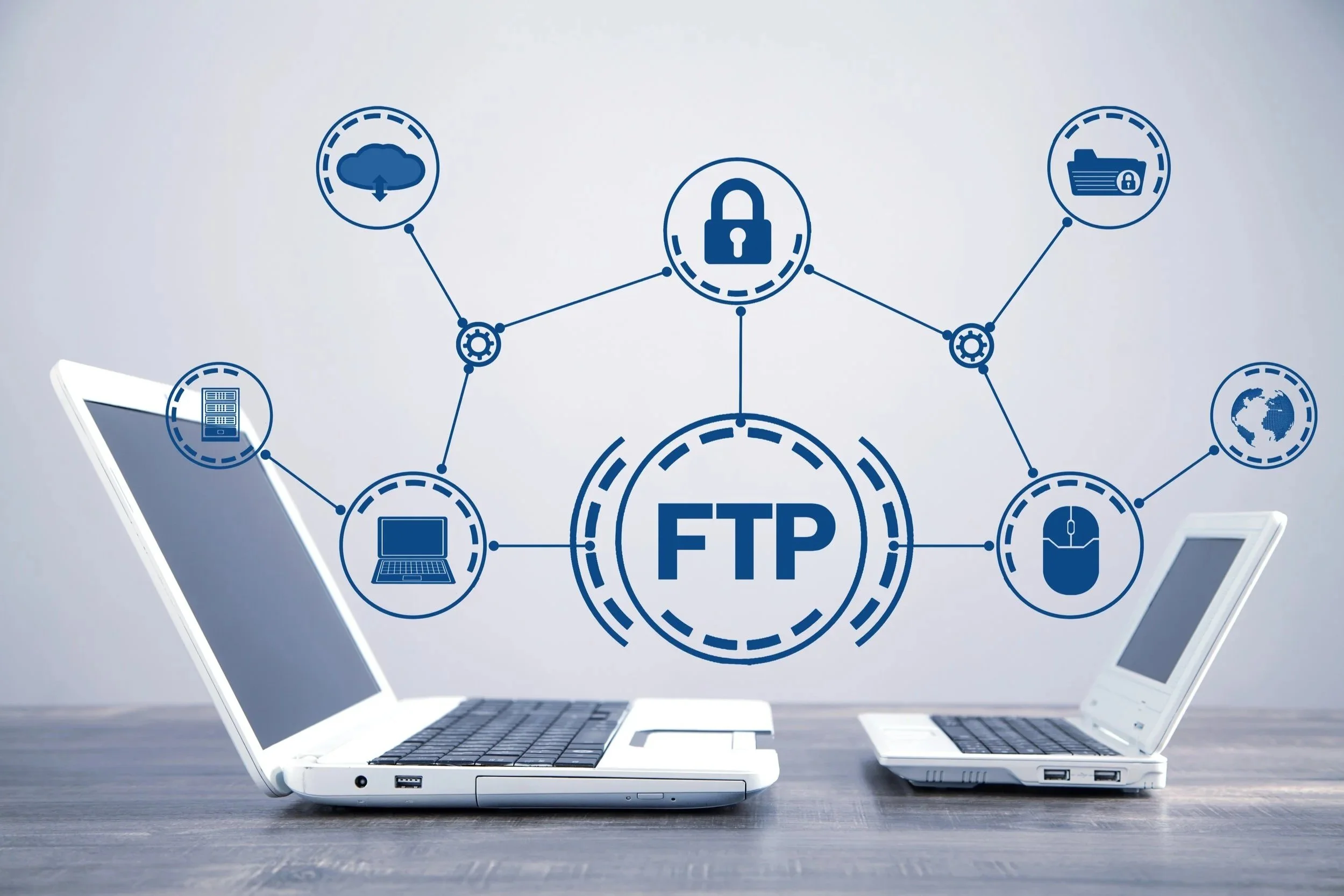
The Justice Works Document Management Solution provides a flexible and secure framework for storing and managing all documents associated with a case—from intake to closure and long-term retention. This includes not only digital evidence such as video, audio, and photographs, but also discovery materials, court filings, legal motions, correspondence, and internal reports. The solution supports FTP site storage, enabling agencies to utilize external or County-managed FTP infrastructure to store files while maintaining full integration with each case record. This approach ensures long-term accessibility, scalability, and compliance with storage policies and retention schedules. Designed for high-volume environments, the Justice Works Document Management Solution streamlines the management of case-related documentation while preserving performance, security, and ease of access across all user roles.
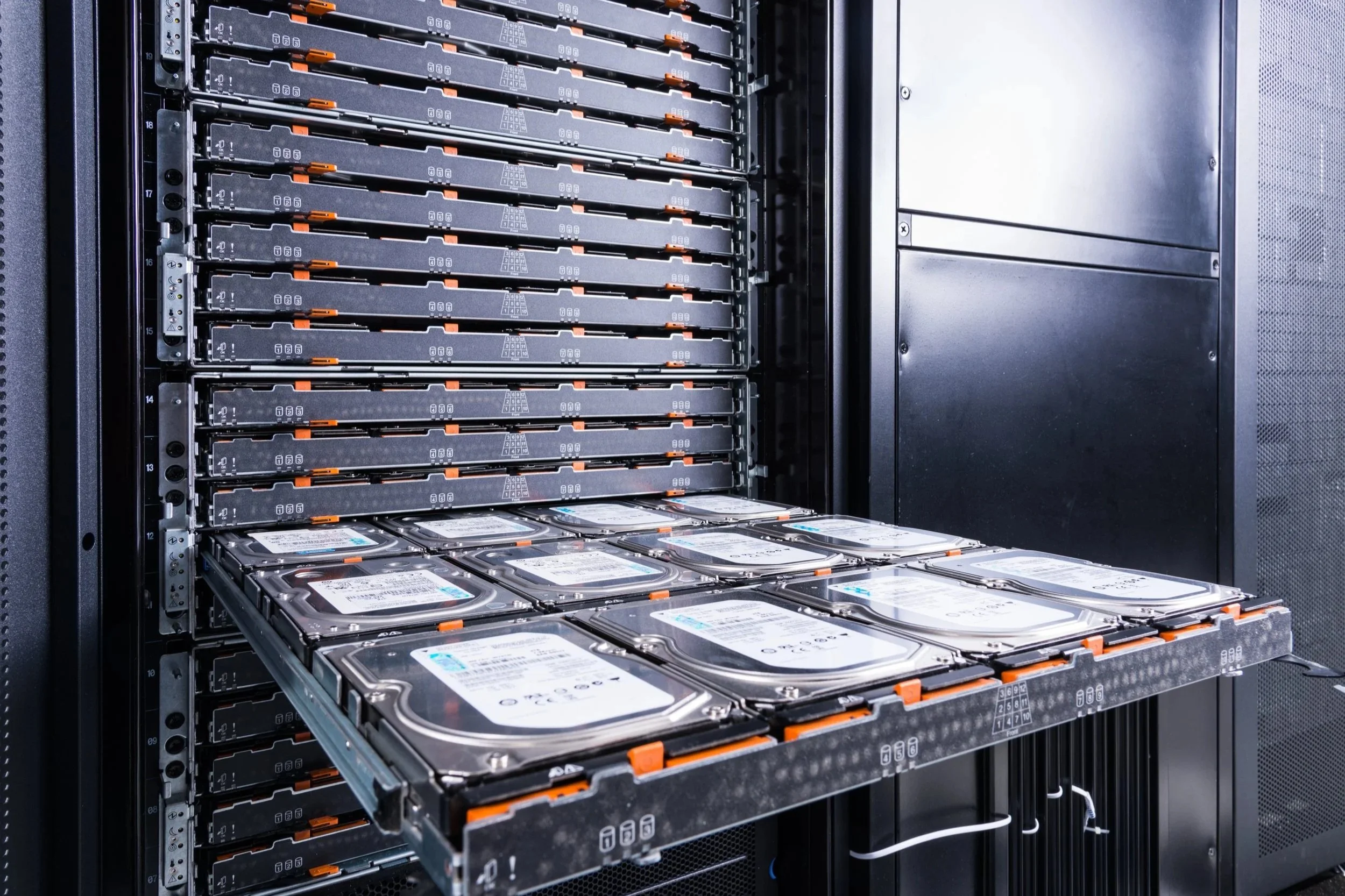
The JusticeWorks Solution offers flexible document storage options, including the ability to store documents locally on a client-hosted server. This ensures that your organization retains full control over its data, maintaining privacy and security within your own infrastructure. Whether it’s case files, legal documents, or client records, storing documents locally gives you peace of mind and guarantees that sensitive information remains within your network. With seamless integration into the JusticeWorks Solution platform, your team can easily access and manage files, all while ensuring compliance with your organization's IT policies and security standards.