
System Automation
System Automation
Let the system work—so your team can.
Automate intake, tasks, deadlines, approvals, and communications with intelligent workflow design. Replace manual tracking with structured, policy-driven execution. Let the system handle the routine—so your team can focus on impact.
System Automation
System Automation Workflows turn your case management platform into an active, intelligent engine that performs routine work for your staff—automatically assigning tasks, generating deadlines, routing documents, sending reminders, updating case statuses, and triggering multi-step processes the moment key events occur. Instead of relying on memory, manual tracking, or inconsistent practices, workflows ensure every case follows the same high-quality procedures your agency has defined. Administrators can configure automated sequences for intake, case opening, discovery review, motions, investigations, client communication, voucher approvals, and more—each with built-in validations and conditional logic that adapt to case type, charge severity, or user role. Staff receive timely notifications and clearly defined next steps, while supervisors gain real-time visibility into progress without chasing updates. By replacing repetitive manual tasks with automated, policy-driven workflows, your agency increases consistency, reduces errors, accelerates case movement, and empowers every team member to stay focused on meaningful client work rather than administrative burden.


The Justice Works Solution features Automatic Case Updates, designed to keep all relevant parties informed in real-time as key events and changes occur within a case. This functionality can be configured to automatically trigger updates whenever critical actions take place—such as new filings, hearing schedules, evidence submissions, or social service interventions—ensuring everyone stays aligned without manual intervention.
By automating case updates, organizations benefit from enhanced operational efficiency, better collaboration across defense, social work, and mental health teams, and a streamlined workflow that supports timely, informed decision-making throughout the lifecycle of each case. This feature is especially valuable for large offices managing high volumes of cases, ensuring no critical detail is overlooked.

The Justice Works Solution offers powerful Automated Alerting capabilities, enabling organizations to proactively manage deadlines, compliance obligations, and time-sensitive activities through configurable system-triggered notifications. These alerts can be tailored to automatically notify users of upcoming court appearances, overdue tasks, expiring documentation, or changes in case status—keeping teams informed without requiring manual tracking.
For example, the system can alert assigned attorneys 48 hours before a court hearing, notify supervisors when a case has remained inactive for a set period, or inform administrators when required documentation has not been submitted by a specified deadline. Alerts can be delivered via in-system notifications, email, or SMS, based on user preferences.
This feature reduces human error, enhances accountability, and ensures critical events are never missed. Particularly beneficial for large, multidisciplinary teams—including legal staff, social workers, investigators, and administrators—Automated Alerting fosters more effective coordination and responsiveness across all areas of case management.

The Justice Works Solution automates notifications for attorney and team assignments, instantly alerting the right personnel whenever cases are assigned or reassigned. This proactive communication ensures your team stays informed in real time, reducing delays and accelerating case progress from intake to resolution.
By automating these alerts, your organization minimizes missed assignments and boosts accountability, ensuring every case is handled promptly by the correct legal professionals. This leads to more efficient workflows, improved collaboration, and ultimately better client outcomes.

The Justice Works Solution features robust Automated Event Creation and Updating Systems that streamline scheduling and calendar management across the entire organization. By configuring rules and triggers based on case activity, user roles, or workflow milestones, the system can automatically generate and update events without the need for manual input—saving time and ensuring consistency.
For example, when a new case is opened and assigned to an attorney, the system can instantly create an initial client meeting event, assign a follow-up hearing date based on local court rules, or add a reminder for filing deadlines. If a court appearance is rescheduled in an integrated court calendar, the system can auto-update the associated internal events to reflect the new date, notifying all relevant staff.
This automation minimizes scheduling errors, ensures alignment between internal calendars and external systems, and significantly improves operational efficiency. Large offices or teams with complex case timelines benefit from reduced administrative overhead and improved confidence that no critical step or appearance is overlooked.

The Justice Works Solution features a powerful Automated Reminder System designed to ensure critical deadlines, hearings, tasks, and client touchpoints are never missed. By configuring intelligent rules and triggers based on case activity, user roles, event types, or workflow milestones, the system automatically generates reminders that keep attorneys, investigators, administrators, and even clients aligned and informed—without relying on manual follow-up or memory.
For example, when a new hearing is scheduled, the system can automatically issue a series of reminders—one week prior for case preparation, two days prior for document review, and same-day notifications for court attendance. If a motion deadline is approaching, attorneys receive escalating alerts until the filing is completed. Client reminders for court appearances, meetings, or required documentation can be automatically sent via SMS or email, reducing failures-to-appear and improving engagement. If an event is rescheduled, reminder schedules automatically adjust to reflect the new date, ensuring communications remain accurate and timely.
This proactive reminder automation reduces administrative burden, eliminates last-minute surprises, and creates a disciplined, highly reliable operational rhythm across the agency. Large offices with high caseload volumes benefit from improved accountability, fewer missed obligations, and stronger overall case readiness—transforming reminders from a manual task into an intelligent system safeguard that quietly protects performance every day.

The Justice Works Solution includes powerful Automated Tasking and Request Systems designed to streamline internal workflows, enhance accountability, and reduce administrative overhead. These systems allow organizations to configure intelligent rules that automatically generate tasks or service requests based on predefined triggers such as case type, stage, role assignment, or document submission.
For example, when a felony case is created, the system can automatically assign investigative follow-up tasks to a specific team, initiate a mental health assessment request, or schedule a discovery review task for a paralegal. If a motion is filed, related follow-up actions—such as notifying the assigned attorney or requesting interpreter services—can be created without user input. Additionally, staff can submit configurable internal service requests (e.g., expert witness approval, interpreter scheduling, file transfers), which automatically route to the appropriate department based on established criteria.
These automated systems reduce bottlenecks, ensure nothing falls through the cracks, and allow teams to stay focused on high-value work rather than repetitive coordination. For larger organizations managing high case volumes, this feature provides scalable, reliable task delegation and interdepartmental collaboration.

The Justice Works Solution offers robust Client Portal Notifications, enabling direct, timely, and secure communication with clients through a dedicated online portal. These notifications can be configured to automatically alert clients about key case events, upcoming court dates, document availability, message replies, or status updates—enhancing transparency and minimizing missed communications.
For instance, when a new court date is scheduled, the system can send a notification to the client through the portal along with calendar details and check-in instructions. If a public defender uploads a discovery document or responds to a message, the client receives an immediate alert to log in and view the update. Notifications can be configured to go out via email or SMS, ensuring maximum reach based on client preference and access.
This capability reduces the burden on administrative staff and legal teams by automating outreach while improving client engagement and trust. Especially for organizations serving large and diverse populations, these notifications empower clients to stay informed and actively involved in their legal journey—leading to fewer missed appointments and a more efficient legal process.

With scheduled reporting and dataset notifications, your organization can automate the distribution of critical reports and data summaries to stakeholders on a regular cadence. This feature eliminates manual report generation and ensures that decision-makers always have the most up-to-date information at their fingertips.
Automating these notifications boosts organizational transparency and supports timely, informed decisions. Teams stay aligned and proactive by receiving key insights exactly when needed—keeping performance on track and operations running smoothly.
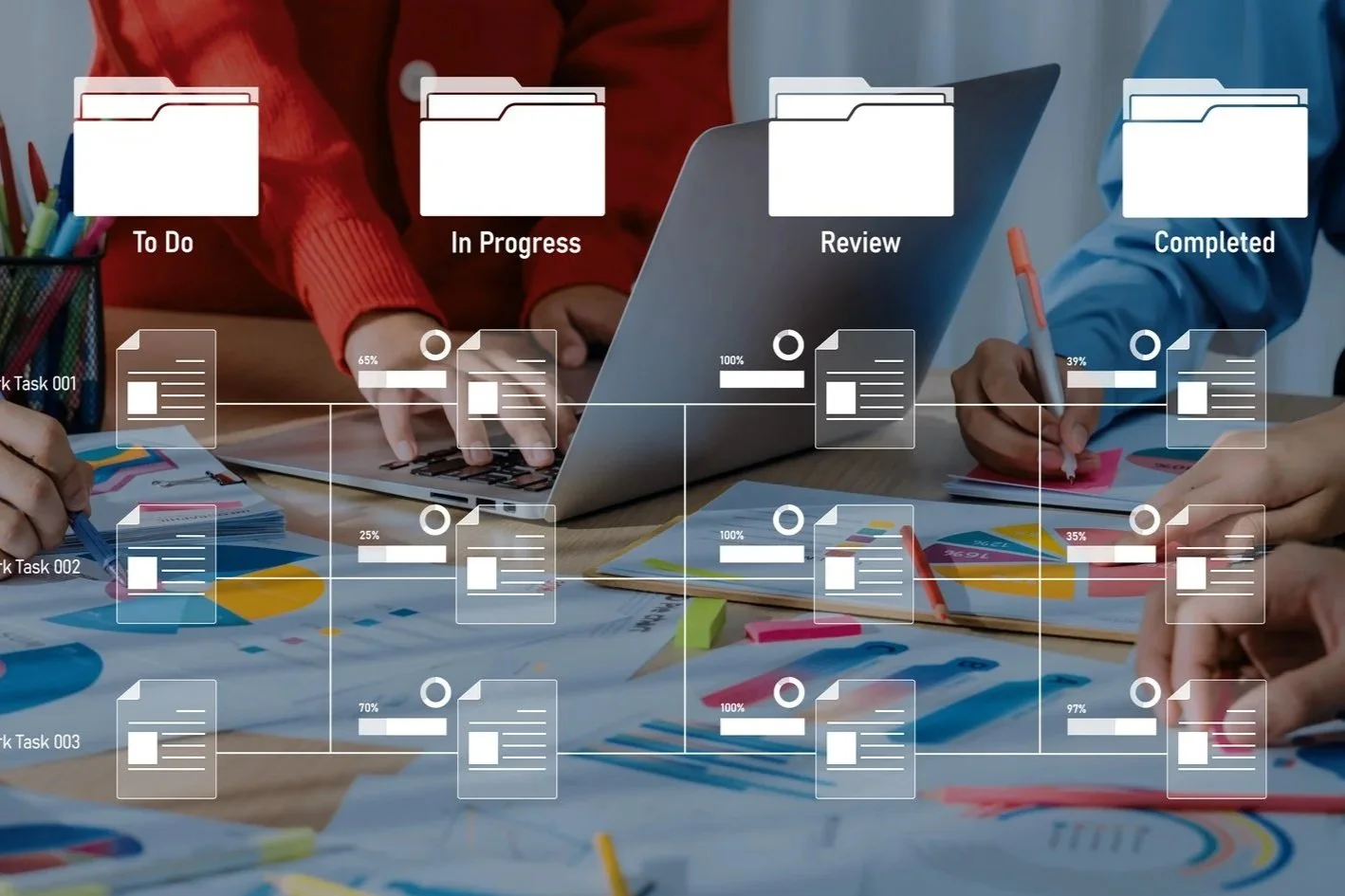
The system empowers users to create customized, automated workflows tailored to their unique processes, reducing manual effort and minimizing errors. These user-defined workflows can trigger actions such as document generation, task assignments, alerts, or status updates based on case events or criteria you define.
By automating routine tasks with personalized workflows, your team can focus on high-value activities while the system manages repetitive processes. This boosts efficiency, improves consistency, and helps ensure no critical steps are overlooked in your case management lifecycle.